Rebuild instead of stretch
Basic resizing repeats existing pixels. PhotoBoost analyzes the image and reconstructs detail as it increases resolution, helping the result stay clear at a larger size.

AI image upscaler
PhotoBoost increases image resolution while rebuilding useful detail in faces, textures and edges. Turn a small or heavily cropped photo into a clearer, higher-resolution image directly in your browser.
One free AI enhancement · JPG, PNG, WebP and HEIC · Up to 45 MB
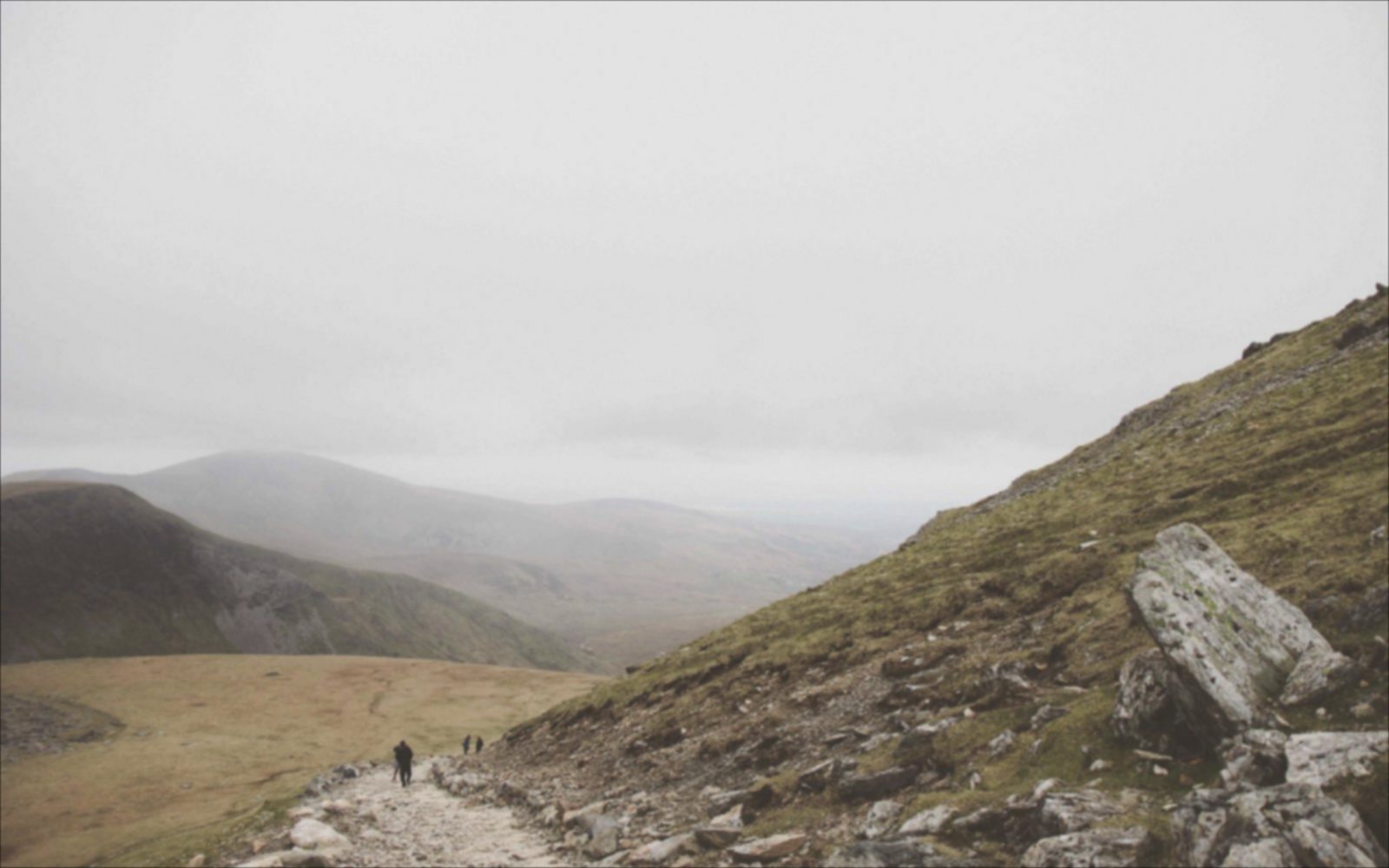
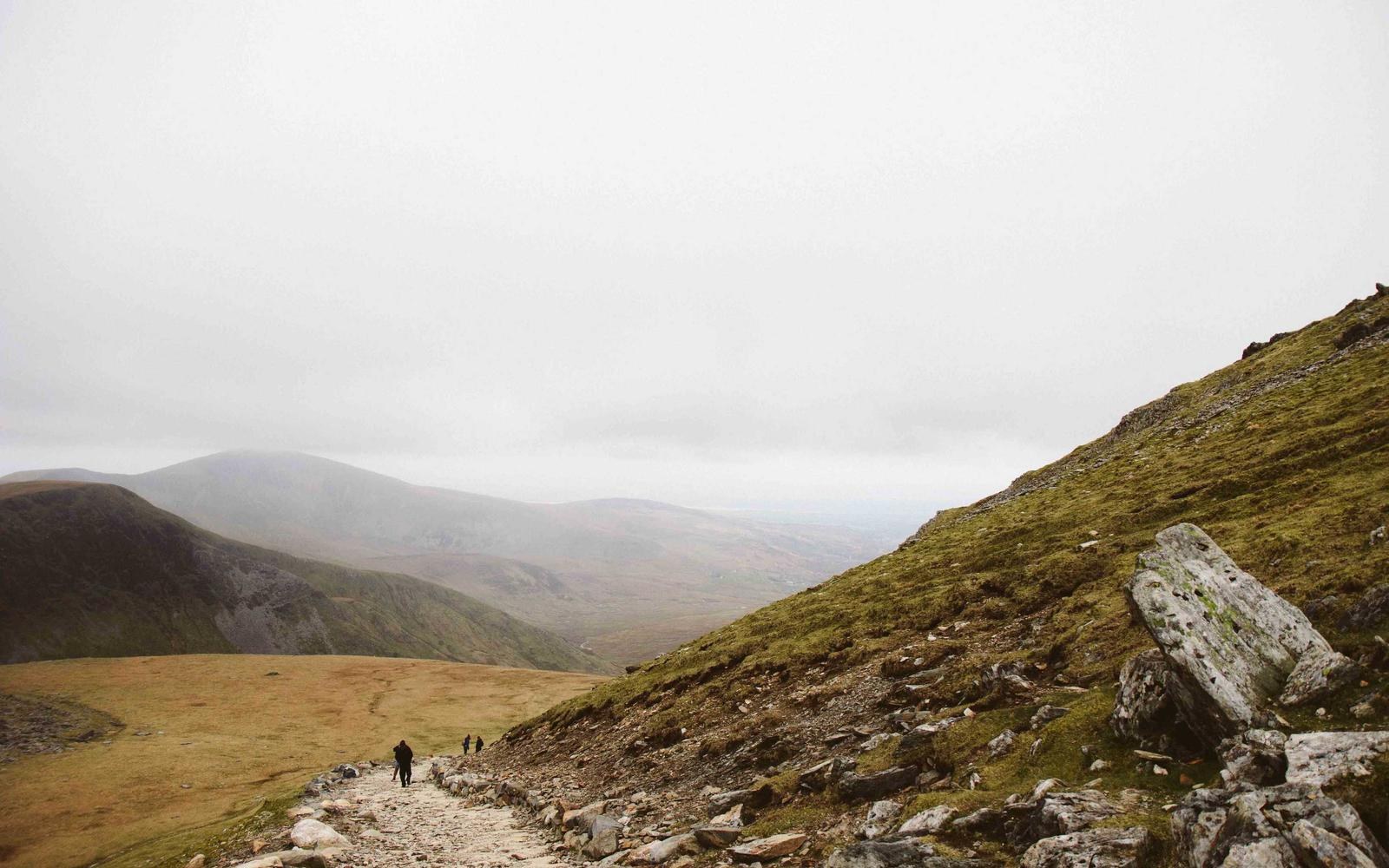
Illustrative comparison. Results vary with the source image and selected tools.
Basic resizing repeats existing pixels. PhotoBoost analyzes the image and reconstructs detail as it increases resolution, helping the result stay clear at a larger size.
Face enhancement and restoration options can be combined with upscaling so portraits, hair, clothing and scene texture remain the focus of the result.
Upload a JPG, PNG, WebP or HEIC image and process it online. No specialist graphics card or desktop installation is required.
How it works
Choose a small, compressed or cropped photo from your phone or computer.
PhotoBoost analyzes the photo, restores detail and increases its output resolution by up to 4×.
Inspect the before-and-after result, then download the higher-resolution image.
Prepare small family photos for larger physical prints and albums.
Recover a more useful output size after cropping wildlife, sports or travel photos.
Create clearer product photos for listings, catalogs and presentations.
Improve low-resolution photos from early phones, cameras and compressed archives.
PhotoBoost can increase image resolution by up to 4×. The useful final size depends on the quality, focus and compression of the source photo.
Every enlargement requires new pixels. AI upscaling is designed to reconstruct plausible detail instead of simply stretching pixels, but it cannot recover information that is completely absent from the source.
The PhotoBoost web app accepts JPG, JPEG, PNG, WebP and HEIC images up to 45 MB.
No. PhotoBoost creates a separate enhanced result for preview and download, leaving the original file unchanged.
Upload one image, compare the result and keep your original untouched.
Enhance My Photo Free