“Turning blurred photos into perfectly sharp ones. Works like magic.”


AI photo restoration
Restore old photos. Bring the people you love back into focus.
That faded print may be the only copy that exists. Restore the faces, the color and the detail — in about a minute, right in your browser.
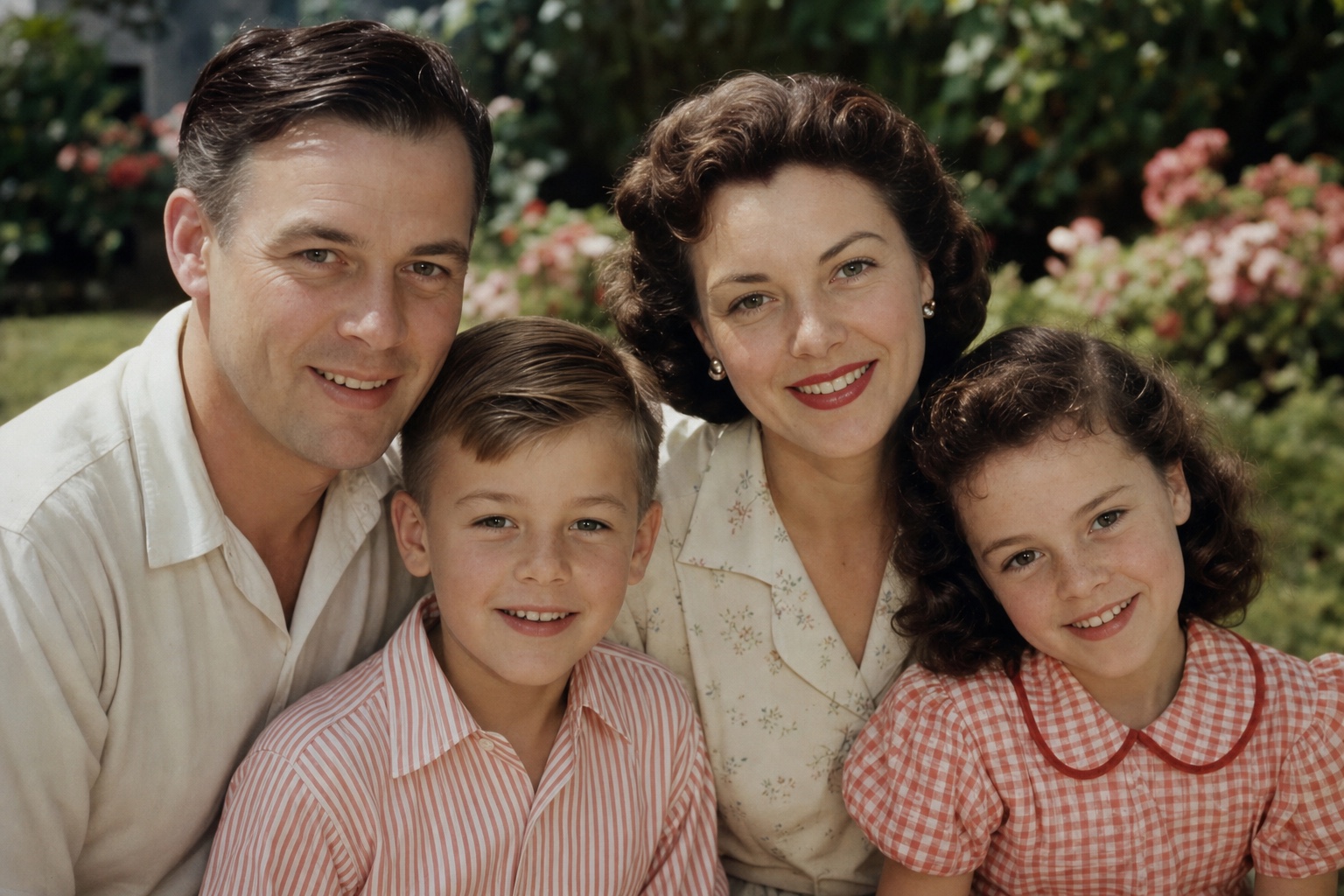
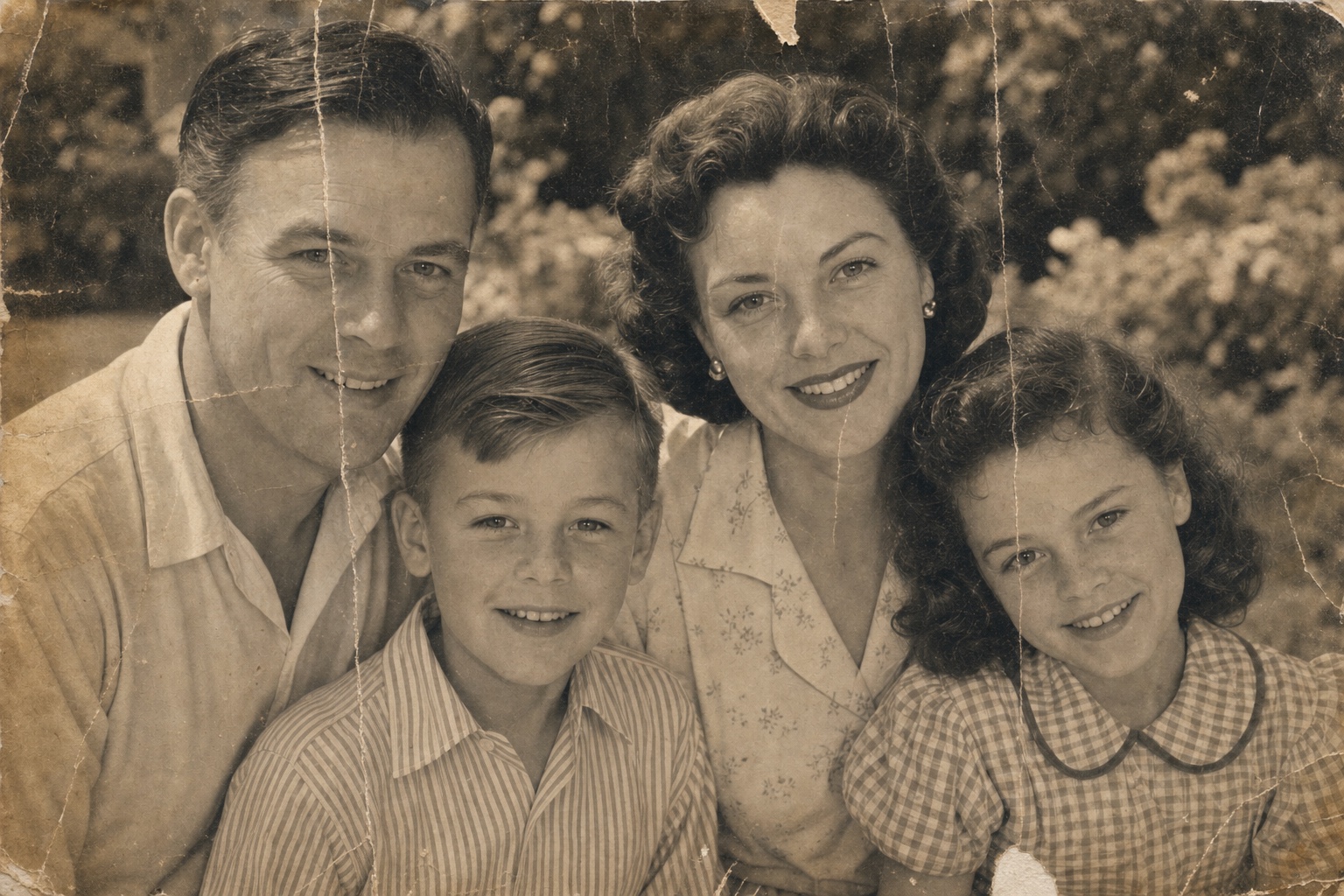
Drag to reveal the restoration ↔
“Tried a few and love it! My small example — a pic of my father from the ’70s. Really cleaned it up!”
“I’ve just used it and damn, I’ll keep coming back! This is so good.”
More than a filter
Time wore down the print.
Not the memory.
PhotoBoost rebuilds what the years took away — and keeps what makes the photo yours: the people, the expressions, the moment.
Repair the years
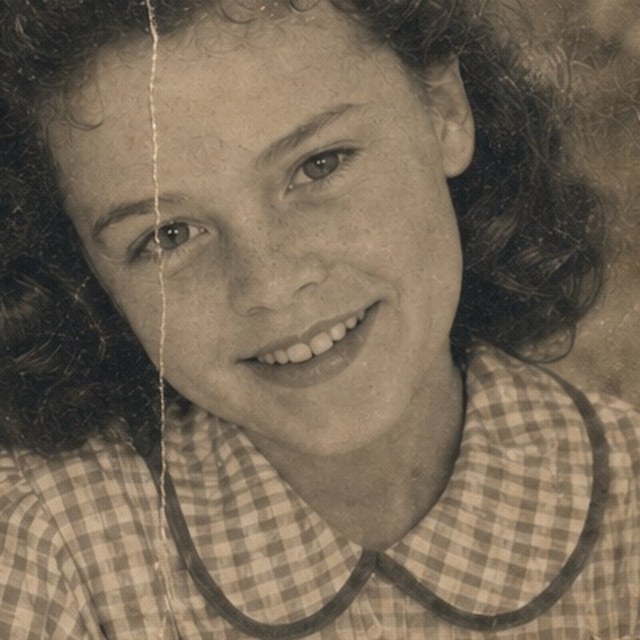
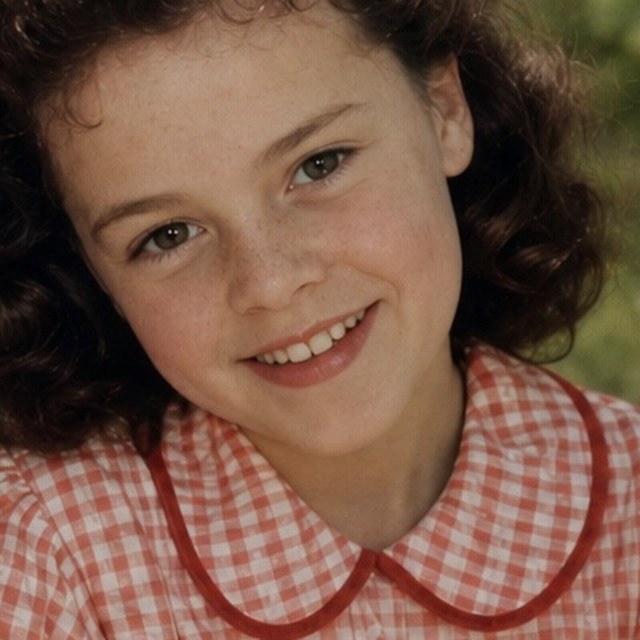
Scratches, creases, stains and fading — decades of wear, gently lifted away.
Recover every face
Eyes, hair and expressions return with natural-looking texture—not the plastic, over-processed look.
Return the color
Faded tones bloom back to life — or a black-and-white memory gets a believable color interpretation.
Look closer
Not just sharper.
Alive again.
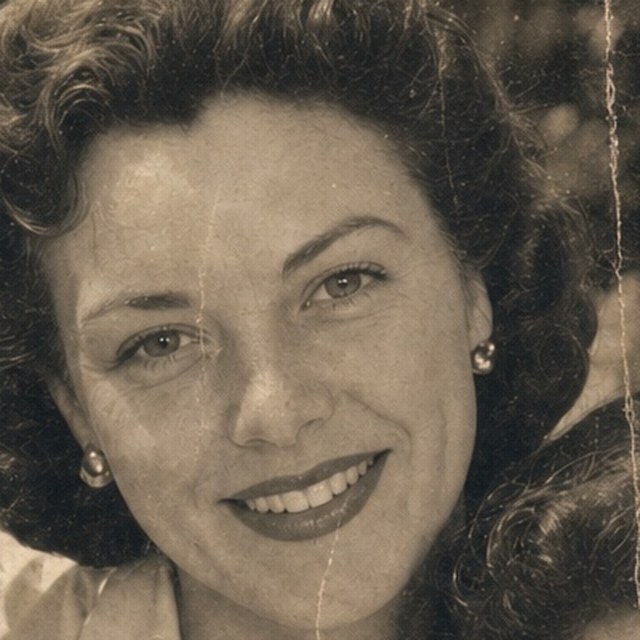
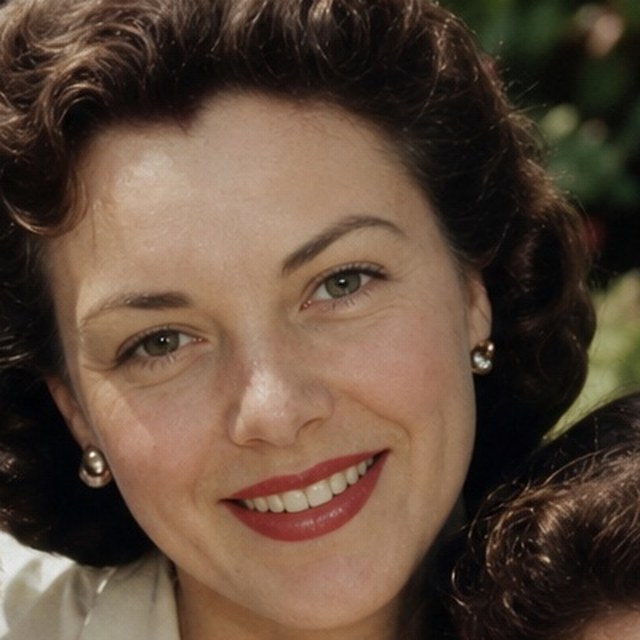
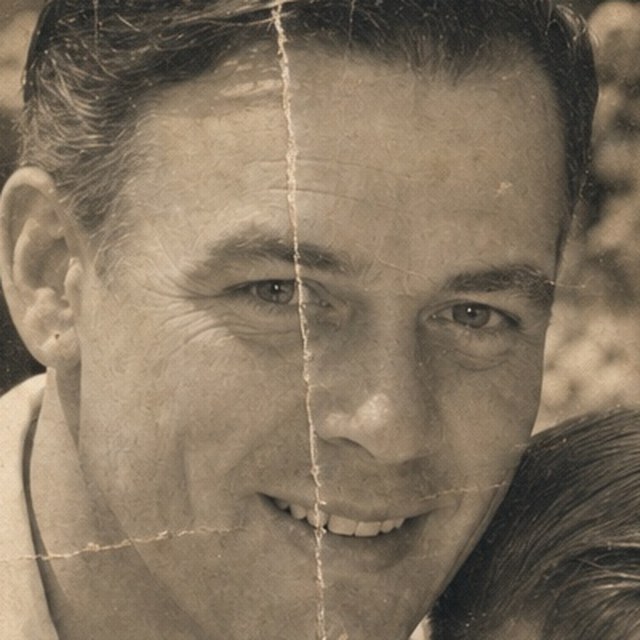
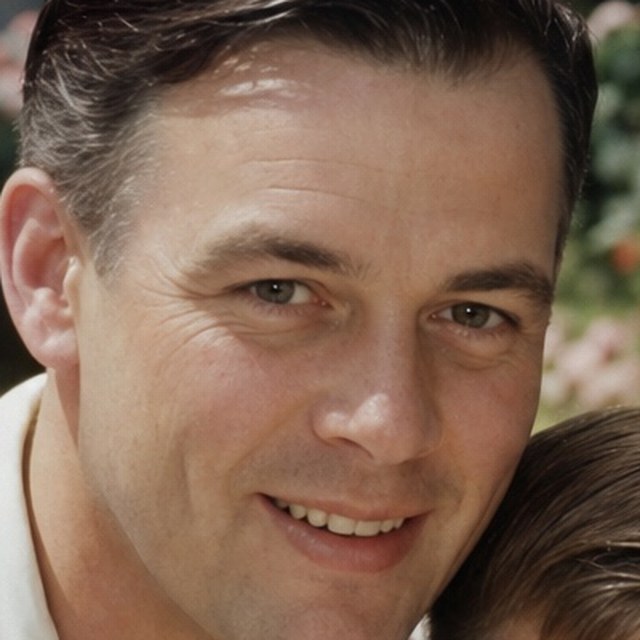
Zoom into the portrait above and the difference stops being subtle: creases lift away, eyes come back into focus, and faded color regains warmth and dimension.
Before
After
Before
After
Before
AfterDetail crops from the portrait above, shown at roughly 2.5× zoom. Illustrative example — results vary with the source photo.
Whatever time did to it
Every photo has a different problem.
Drag each one.


From attic to album
One minute.
One memory renewed.
No editing experience needed. PhotoBoost guides the memory from upload to a finished, downloadable restoration.
- 01
Upload the photo
Choose a scan — or just take a clear phone photo of the original print.
- 02
Let AI restore it
PhotoBoost repairs faces, damage, color and resolution together.
- 03
Compare and keep
Reveal the difference, fine-tune the result and download your restored photo.
Why PhotoBoost
Three ways to bring it back.
One takes a minute.
Mail-in restoration studio
- $30–$100+ per photo
- Days or weeks of waiting
- Your only original, in an envelope
Pro desktop software
- A download and a learning curve
- Built for photographers, not families
- You do the restoring
PhotoBoost AI
- In your browser — nothing to install
- About a minute per photo
- First restoration free
Before you upload
Fair questions.
Honest answers.
Will it change how people look?
PhotoBoost is designed to preserve the person’s identity while recovering useful facial detail. Because AI may infer detail that is unclear or missing, you choose the enhancement strength, compare it with the original, and only download the version that looks faithful to you.
What kinds of damage can it fix?
Fading, weak or yellowed color, softness and blur, light scratches and creases, and low resolution. It can also colorize black-and-white prints. Like any restoration, it can’t recreate what was never captured — badly torn or missing areas may remain visible.
Do I need a scanner?
No. A clear phone photo of the print works. Shoot straight-on in good light, avoid glare, and PhotoBoost handles the rest. JPG, PNG, WebP and HEIC files up to 45 MB are supported.
Will it be good enough to print?
PhotoBoost can upscale up to 4× while it restores. Depending on the size and quality of the source, that can provide substantially more resolution for modern screens, albums and framed prints.
What happens to my photo?
Your original stays untouched — you always download a new copy. Uploads are used only to create your restoration, are never used to train AI models without your explicit consent, and aren’t kept longer than needed.
Is it really free?
Yes — your first AI restoration is free, and no credit card is required to try it. If you have a whole shoebox to rescue, affordable credits and plans cover the rest.
Your turn
Which memory would you bring back?
Upload one old photo. Watch it come back. Your first restoration is free.
Restore My Photo Free →No credit card · Your original stays untouched · Never used to train AI without your consent