Enhance before sharpening
Start with PhotoBoost restoration to improve the source, then apply adjustable sharpening to the enhanced result instead of exaggerating noise in the original.

Online image sharpener
Use PhotoBoost enhancement to restore image detail, then fine-tune sharpness with an adjustable control. The combined workflow helps rescue soft portraits, landscapes, scans and everyday photos without forcing the same treatment on every image.
One free AI enhancement · JPG, PNG, WebP and HEIC · Up to 45 MB
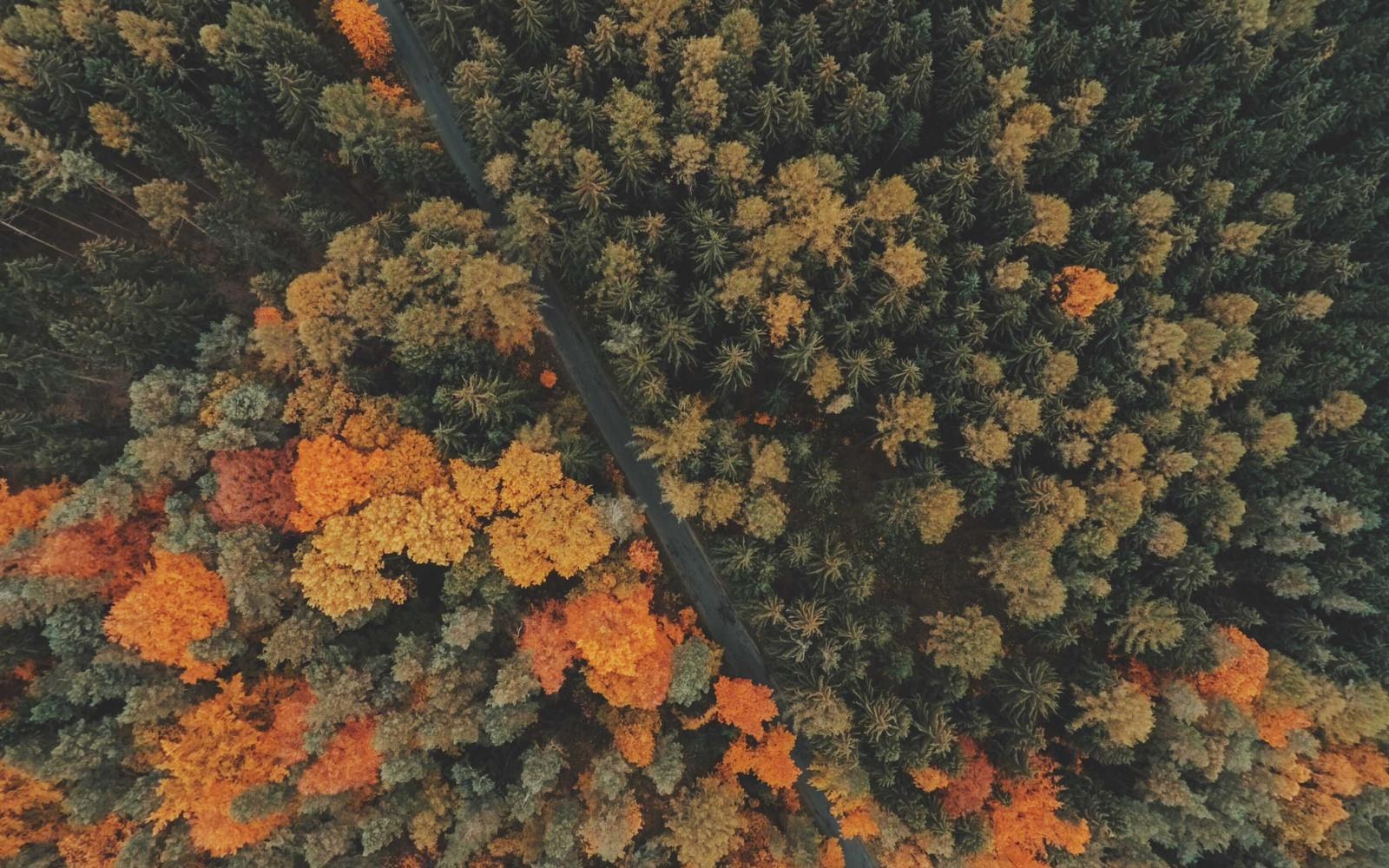
Illustrative comparison. Results vary with the source image and selected tools.
Start with PhotoBoost restoration to improve the source, then apply adjustable sharpening to the enhanced result instead of exaggerating noise in the original.
A dedicated sharpening control lets you dial the effect up or down while comparing it with the untouched image.
Sharpening works alongside face enhancement, upscaling, color and lighting adjustments, so you can finish the photo without exporting between apps.
How it works
Upload a supported image and open it in the PhotoBoost web editor.
Run AI Enhance when detail needs restoration, then adjust the Sharpen control for the desired clarity.
Compare before and after, watch for over-sharpening, and export the version that looks natural.
Improve photos that are close to sharp but lack clear edges and texture.
Pair sharpening with face enhancement for clearer eyes, hair and facial features.
Increase the legibility of photographed pages, receipts and archival scans.
Restore visual crispness after messaging apps or websites reduce image quality.
Sharpening increases local clarity and edge contrast. Upscaling increases pixel dimensions. For a small, soft image, using enhancement and upscaling before final sharpening often produces the most useful result.
No tool can recover detail that was never captured. PhotoBoost works best on mild or moderate softness, compression and low resolution; severe motion blur or fully missed focus may remain limited.
Excessive sharpening can exaggerate edges and noise. PhotoBoost provides an adjustable amount so you can stop when the image looks clear without appearing harsh.
Yes. PhotoBoost is available in the browser and through its iPhone and Android apps.
Upload one image, compare the result and keep your original untouched.
Enhance My Photo Free