
PhotoBoost tools
A clearer image starts with the right tool.
Upscale video, restore photos, sharpen, relight and colorize images with focused PhotoBoost workflows.
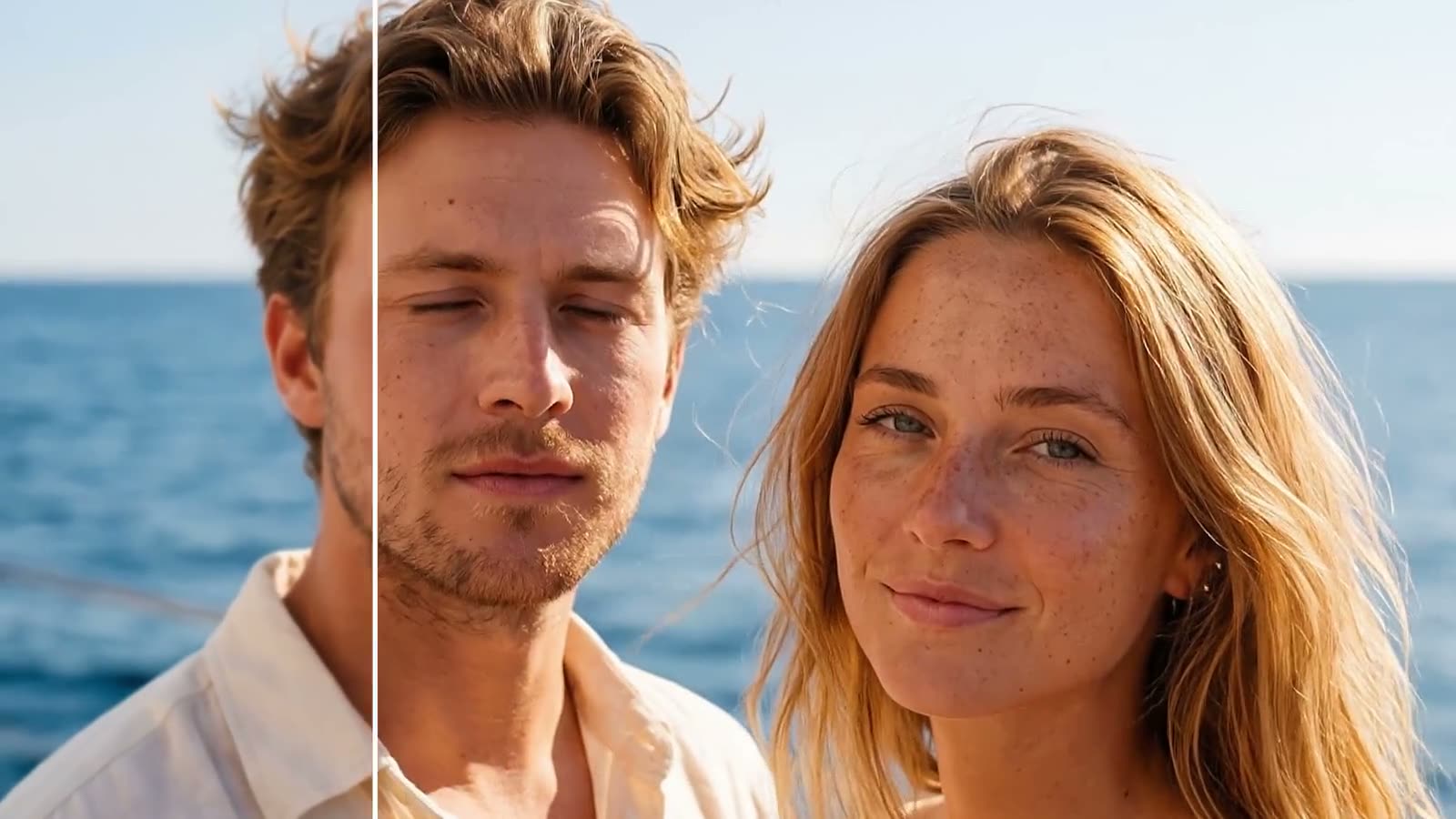
AI Video Upscaler
Upscale videos 2× frame by frame, preserve audio and export a clean MP4.
Explore the tool →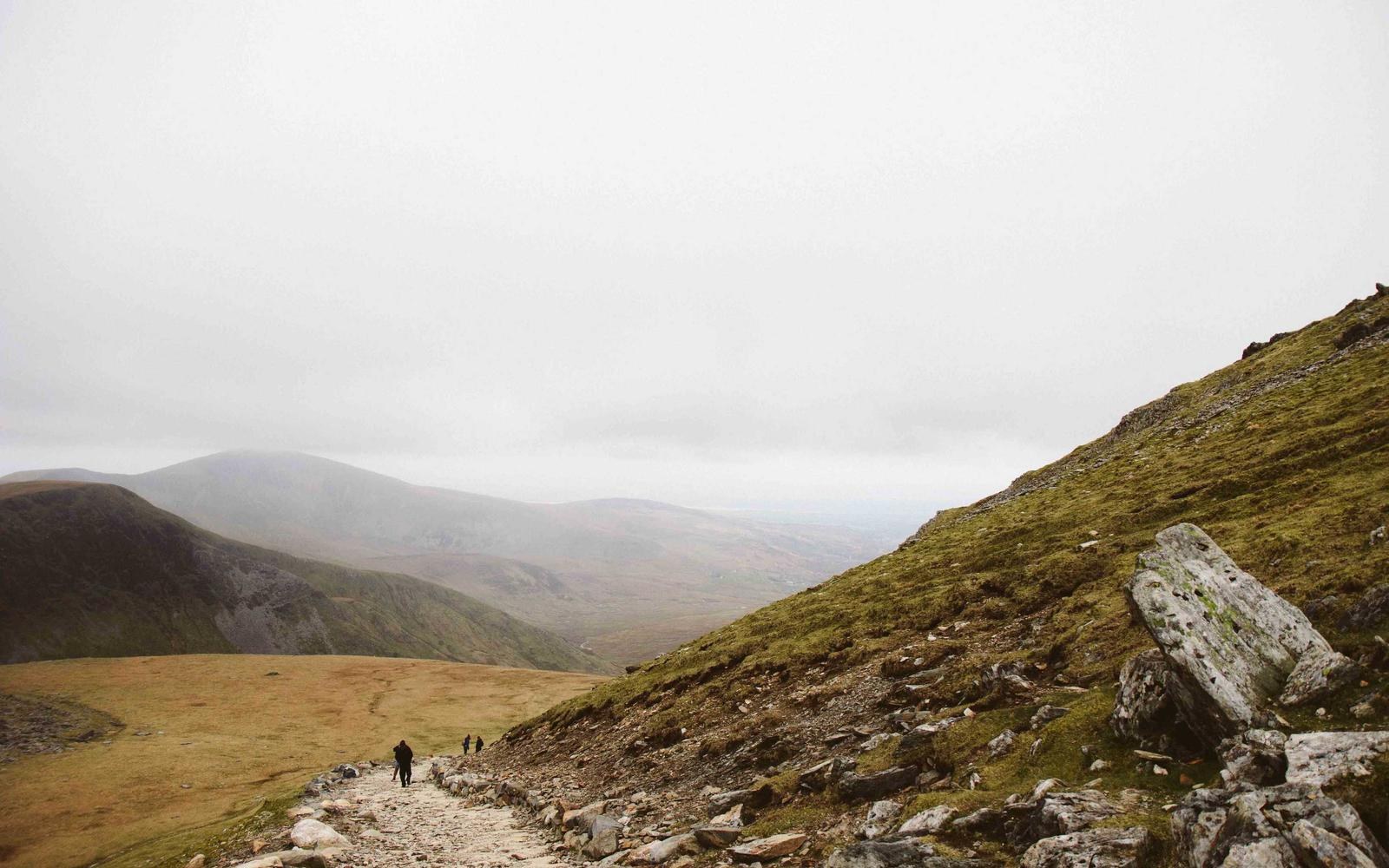
AI Image Upscaler
Increase photo resolution up to 4× while recovering natural-looking detail.
Explore the tool →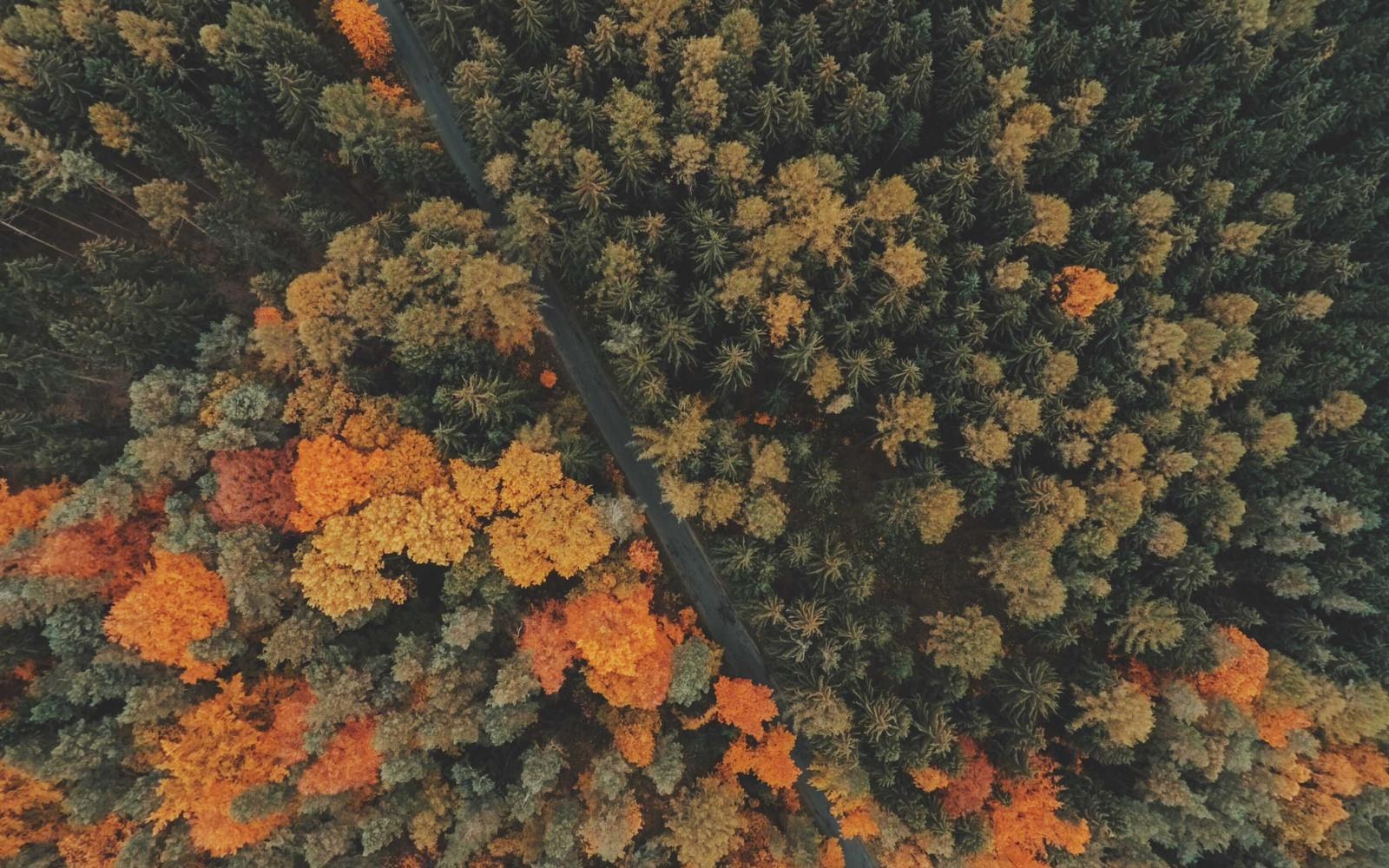
Image Sharpener
Restore clarity and control sharpening strength for soft or blurry photos.
Explore the tool →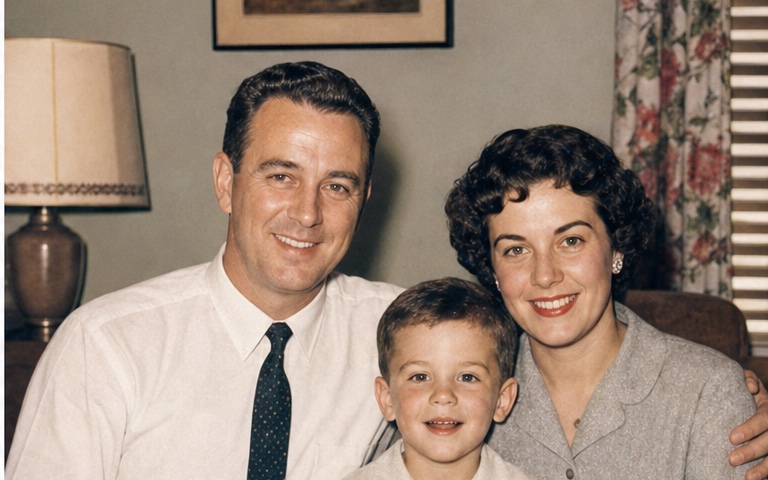
Old Photo Restorer
Improve faded color, soft faces and low resolution in treasured old photos.
Explore the tool →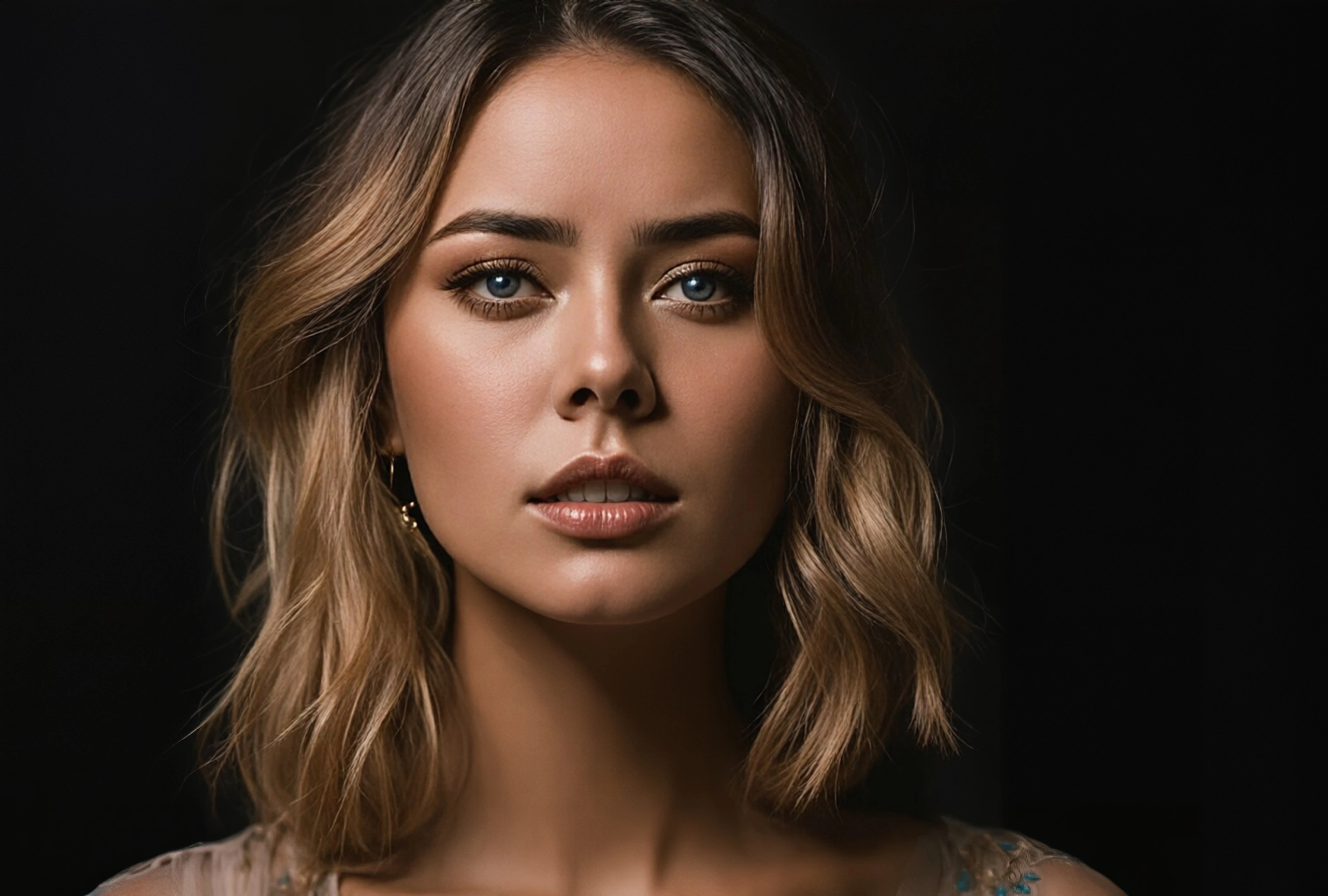
AI Face Enhancer
Recover clearer facial detail in portraits, selfies and group photos.
Explore the tool →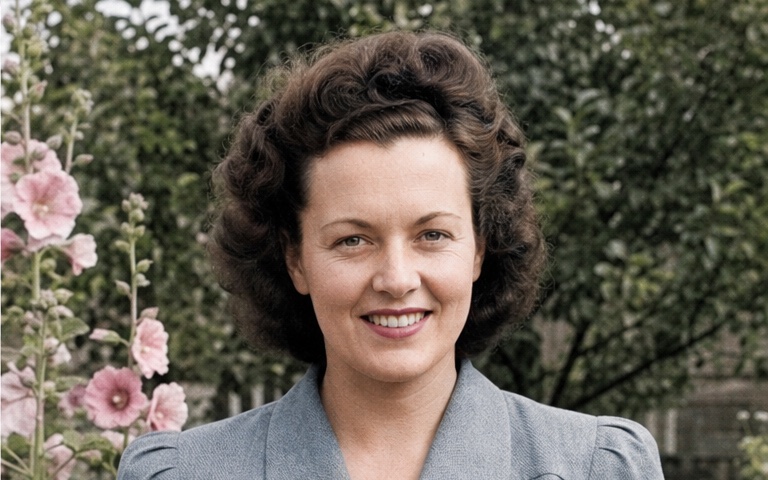
AI Photo Colorizer
Add AI-generated color to black-and-white photos and control its intensity.
Explore the tool →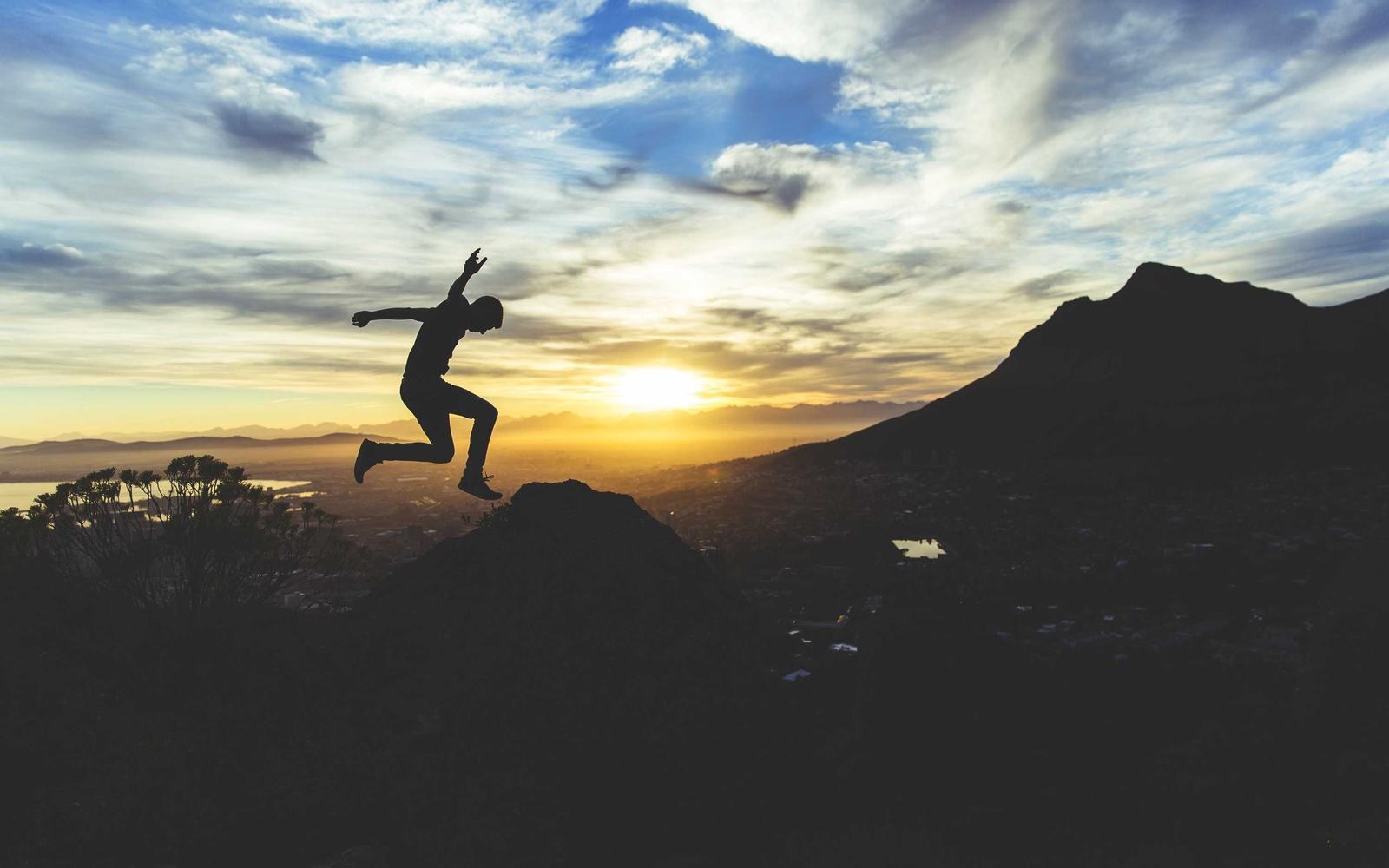
Low-Light Photo Enhancer
Recover low-light detail and fine-tune exposure, contrast and color.
Explore the tool →One editor, multiple finishing steps
Photo problems rarely arrive alone. A small old portrait may need face recovery, upscaling, color correction and a final sharpening pass. PhotoBoost keeps those edits together and preserves the original upload.
Start with one photo.
Try an AI enhancement in your browser, then decide which tools the image needs next.
Open PhotoBoost