AI Upscale 4×
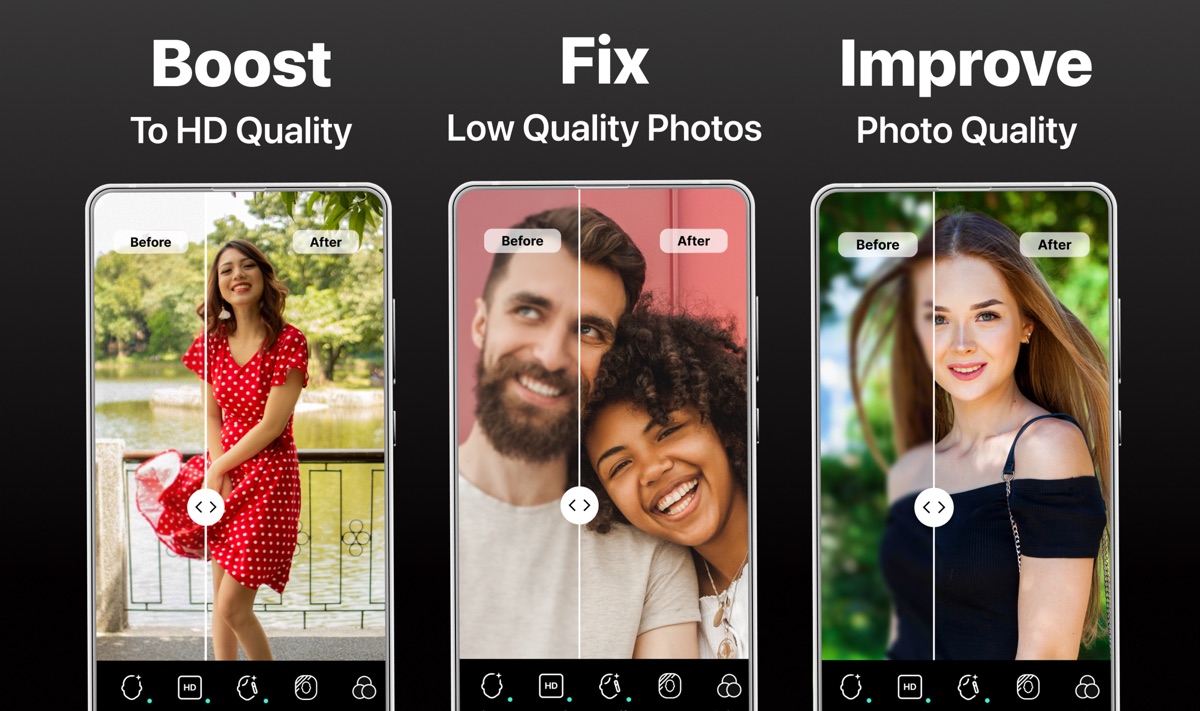
Increase resolution while rebuilding useful detail in portraits, groups and scenes.


Enhance, restore and upscale photos up to 4× with AI — online in seconds.
Why creators switch
Increase resolution while rebuilding useful detail in portraits, groups and scenes.

Rebalance faded tones, tint film stocks, and unify lighting in a single pass.


Improve soft detail, restore contrast and reveal more of dark or backlit scenes.


Sharpen photographed text and improve the readability of personal scans and documents.

How it works
We handle JPG, PNG, WebP, and HEIC up to 45 MB with automatic orientation fixes.
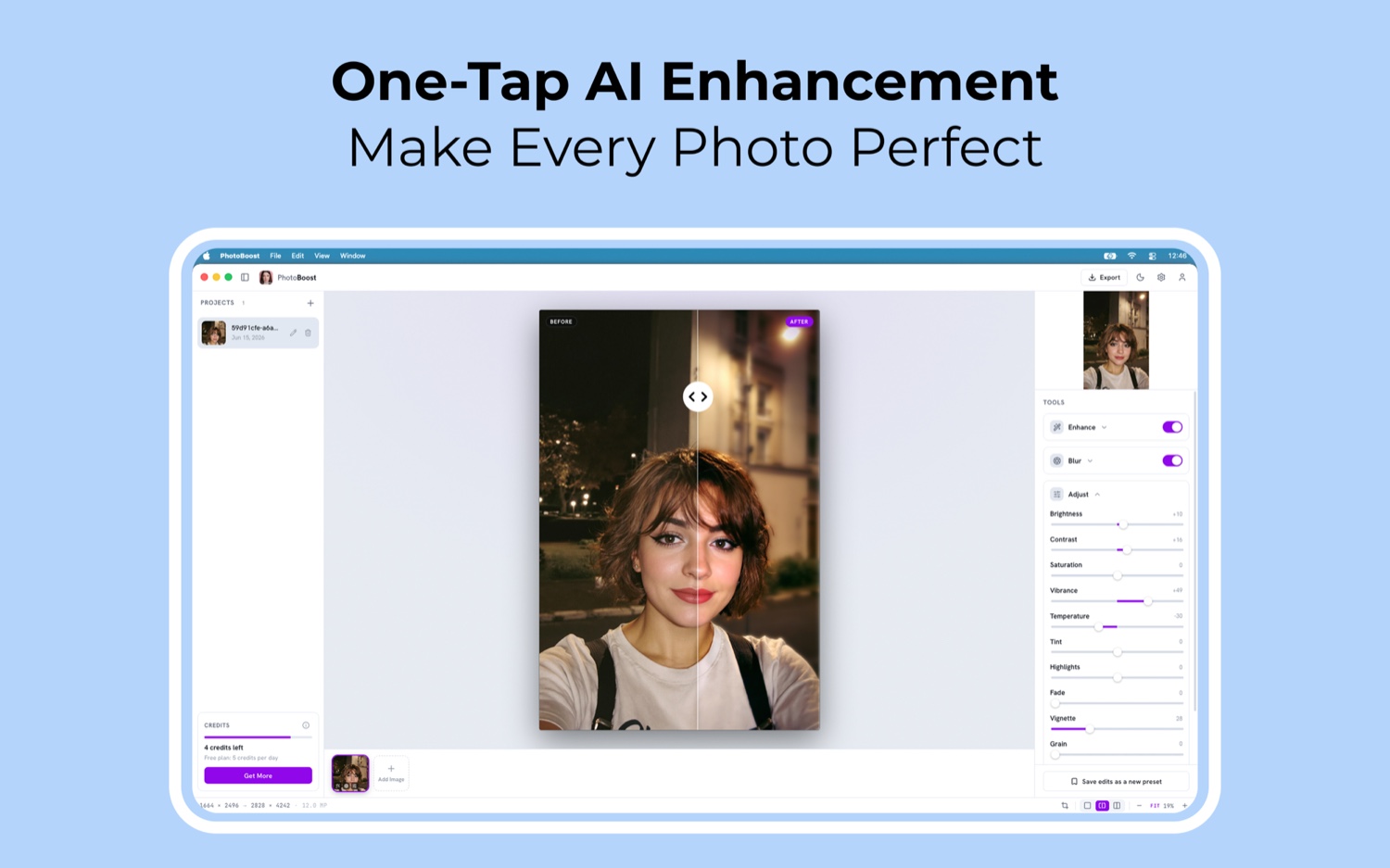
PhotoBoost starts enhancing immediately, then lets you refine faces, resolution, color and light.
Compare the original and enhanced result, make final adjustments and export a new copy.
One PhotoBoost, everywhere
Live preview
See how people use PhotoBoost to recover photos they thought they had lost.
"I just used it and am extremely impressed with the website and wanted to express my appreciation for the excellent design and functionality. Keep up the great work!"

"Turning blurred photos into perfectly sharp ones. Works like magic"

"I've just used it and damn I'll keep coming back! This is so good. Great work!"

"Wow, thank you! Tried a few and love it! My small example (pic of father from 70s original on right), really cleaned it up!"

Made with PhotoBoost

Frequently asked questions
PhotoBoost is an AI photo enhancer for sharpening blurry images, restoring old photos, recovering faces, improving color and lighting, and upscaling images by up to 4×.
Yes. Open the PhotoBoost Web App in your browser, upload a photo, preview the enhanced result, and download it. Desktop and mobile apps are also available.
The web app accepts JPG, JPEG, PNG, WebP and HEIC images up to 45 MB and automatically corrects image orientation.
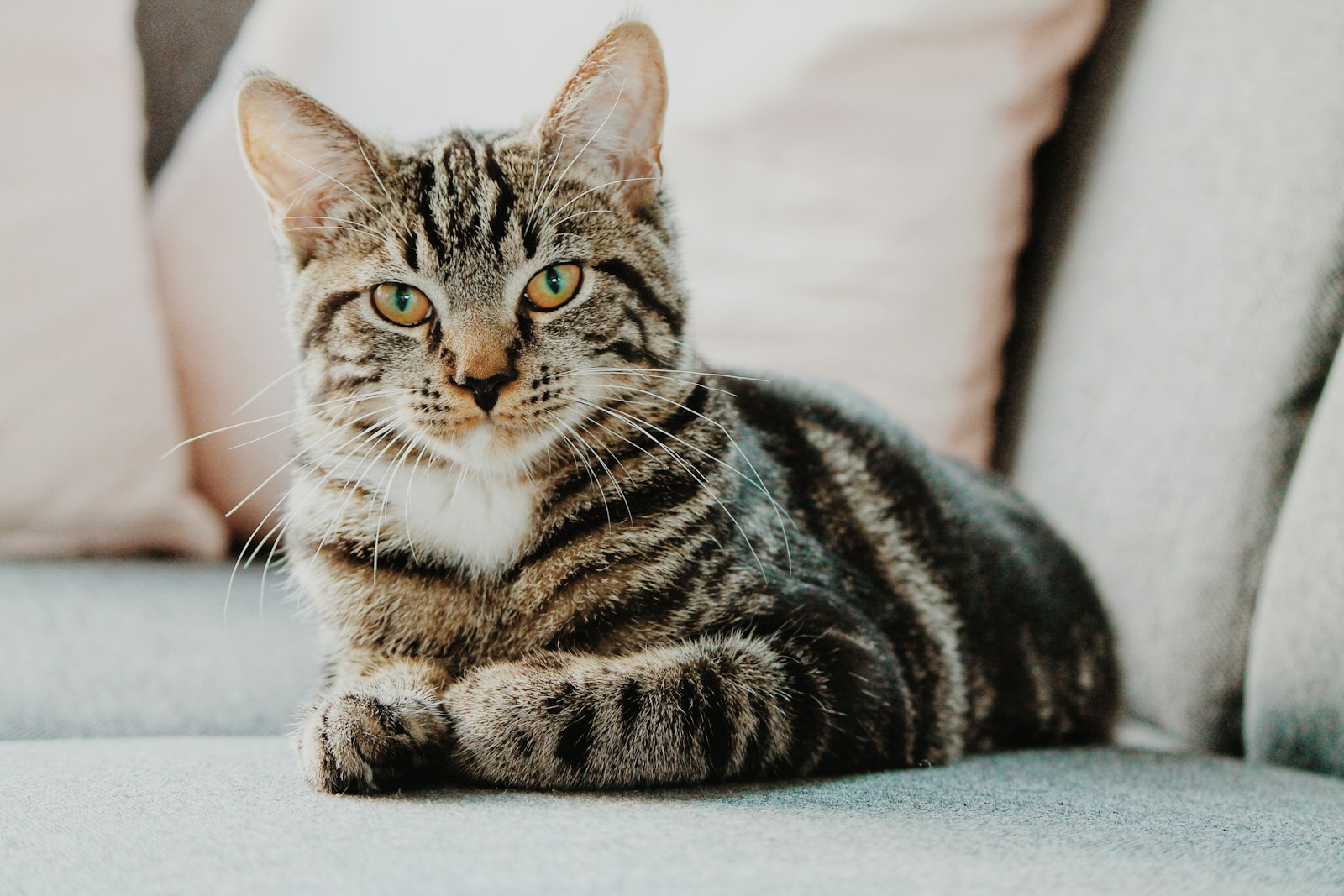
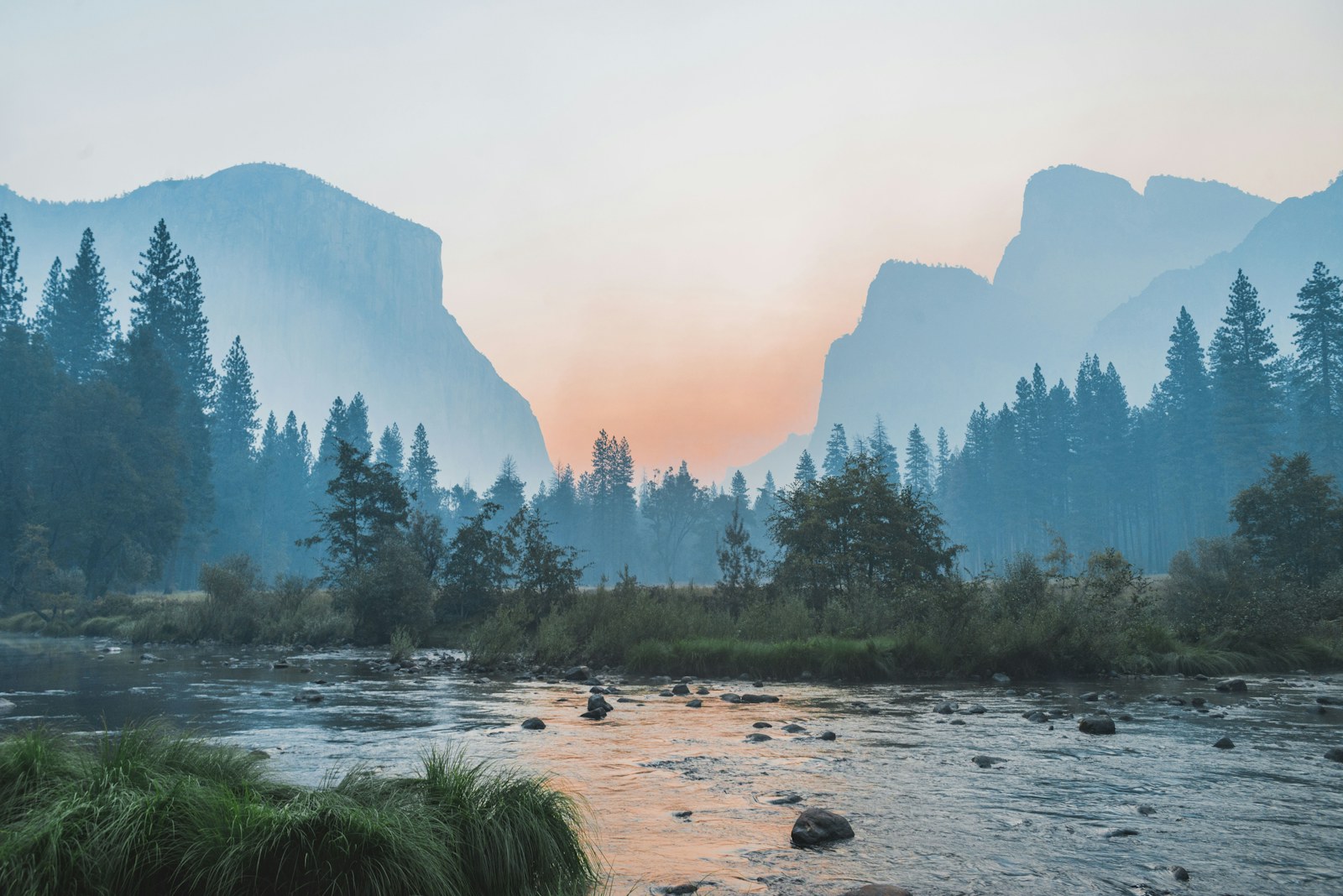
PhotoBoost works with portraits, low-light shots, blurry photos, faded family pictures, landscapes, pet photos and scanned documents.
PhotoBoost is available on the web, macOS, Windows, Linux, iPhone and Android, so you can use the same enhancement workflow on any major platform.
Upload one image, compare the result and keep your original untouched.
Enhance My Photo Free