Normal and Plus levels
Choose a lighter or stronger face enhancement setting rather than accepting one fixed result for every portrait.

AI face enhancer
Faces often become soft first when a photo is small, compressed, dark or old. PhotoBoost detects and enhances facial regions while letting you choose the restoration level that suits the image.
One free AI enhancement · JPG, PNG, WebP and HEIC · Up to 45 MB
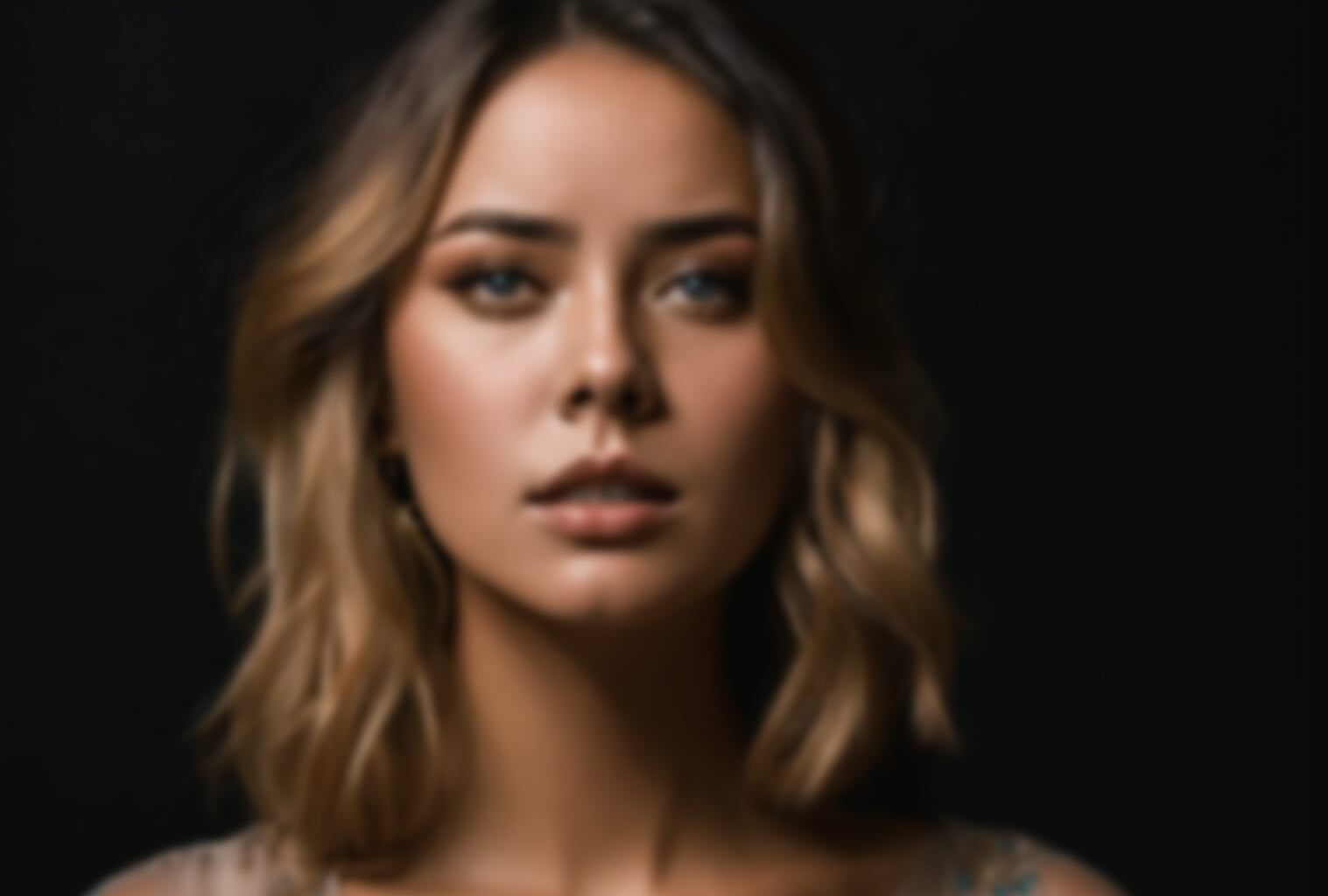
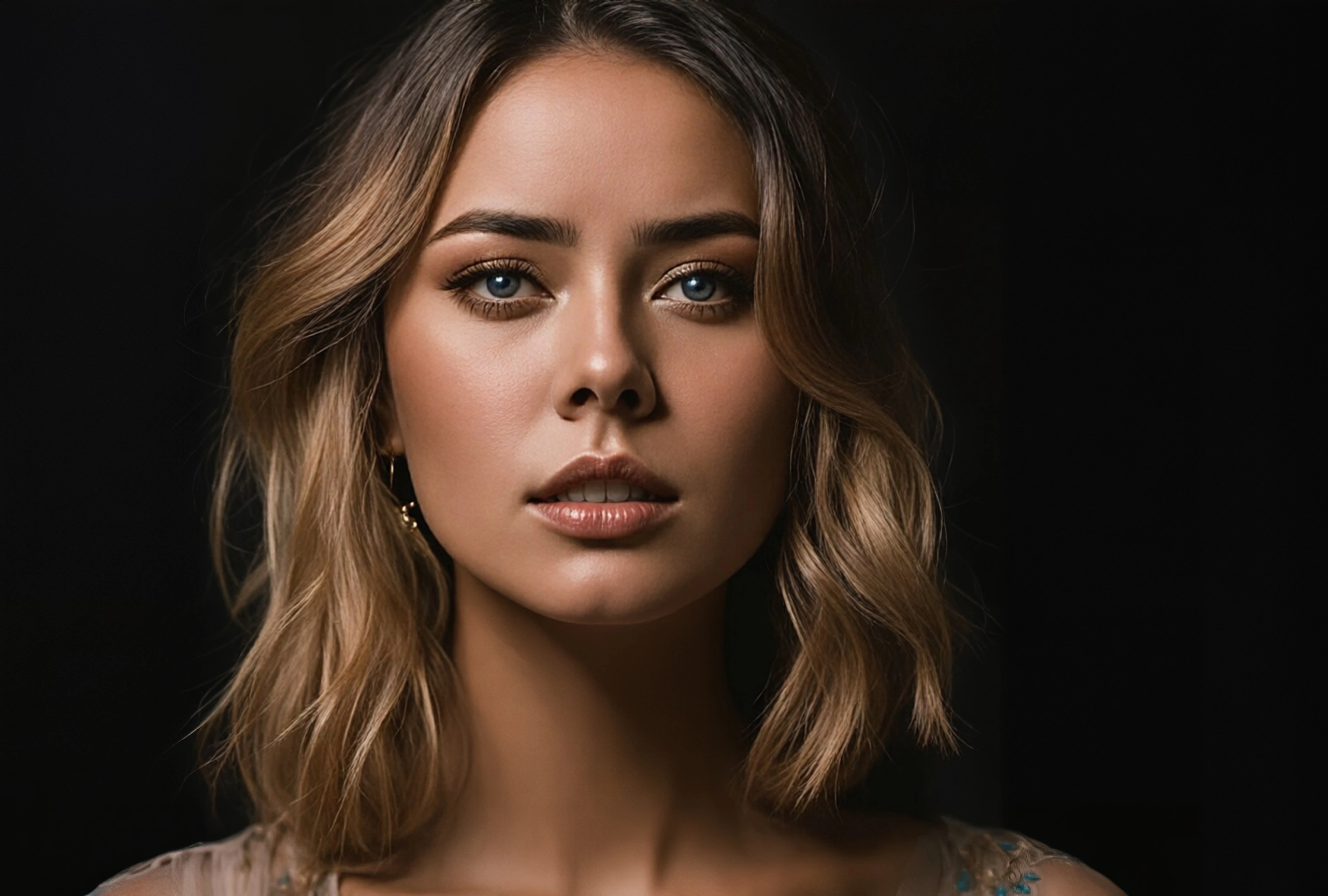
Illustrative comparison. Results vary with the source image and selected tools.
Choose a lighter or stronger face enhancement setting rather than accepting one fixed result for every portrait.
PhotoBoost can enhance detected faces in selfies, family pictures and group images where people occupy different parts of the frame.
Upscaling, low-light correction and sharpening improve the surrounding photo alongside the recovered face.
How it works
Choose a selfie, group photo or older picture with at least one visible face.
Use Normal for a restrained result or Plus when the source face needs stronger recovery.
Check eyes, hair, skin and identity against the original before downloading the result.
Improve faces softened by small print size, age or low-resolution scanning.
Recover more useful facial detail across celebrations, teams and family gatherings.
Increase clarity in a cropped selfie or portrait before using it online.
Pair face enhancement with automatic low-light correction for dark indoor scenes.
Portraits and group photos with visible faces work best. Results are more reliable when the source still contains recognizable facial structure, even if it is soft or low resolution.
Normal applies a more restrained face recovery. Plus uses a stronger restoration model for smaller or less detailed faces. Compare both against the source and choose the more faithful result.
AI recovery estimates details that are unclear in the source, so stronger settings can introduce differences. Always compare important identity details with the original image.
Yes. The enhancement pipeline is designed for portraits and group photos, although very small, blocked or severely blurred faces may have limited recoverable detail.
Upload one image, compare the result and keep your original untouched.
Enhance My Photo Free