Automatic low-light analysis
Use Auto mode to let PhotoBoost decide when a scene needs low-light processing, or turn it on explicitly for a dark source.

AI low-light photo enhancer
Uniform brightness can wash out highlights and reveal noise. PhotoBoost offers automatic low-light enhancement plus manual brightness, contrast, highlights, temperature and color controls for a more balanced result.
One free AI enhancement · JPG, PNG, WebP and HEIC · Up to 45 MB
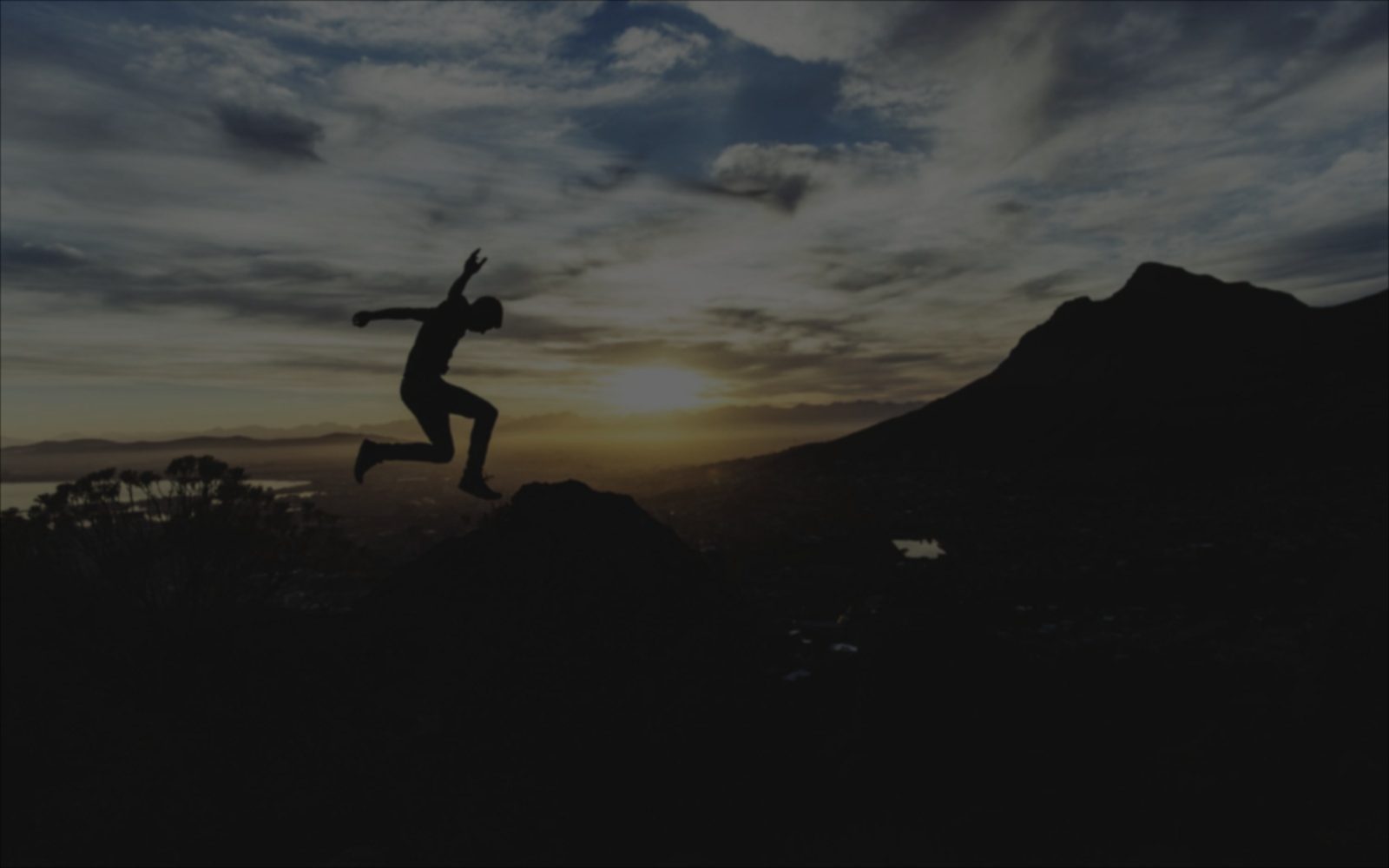
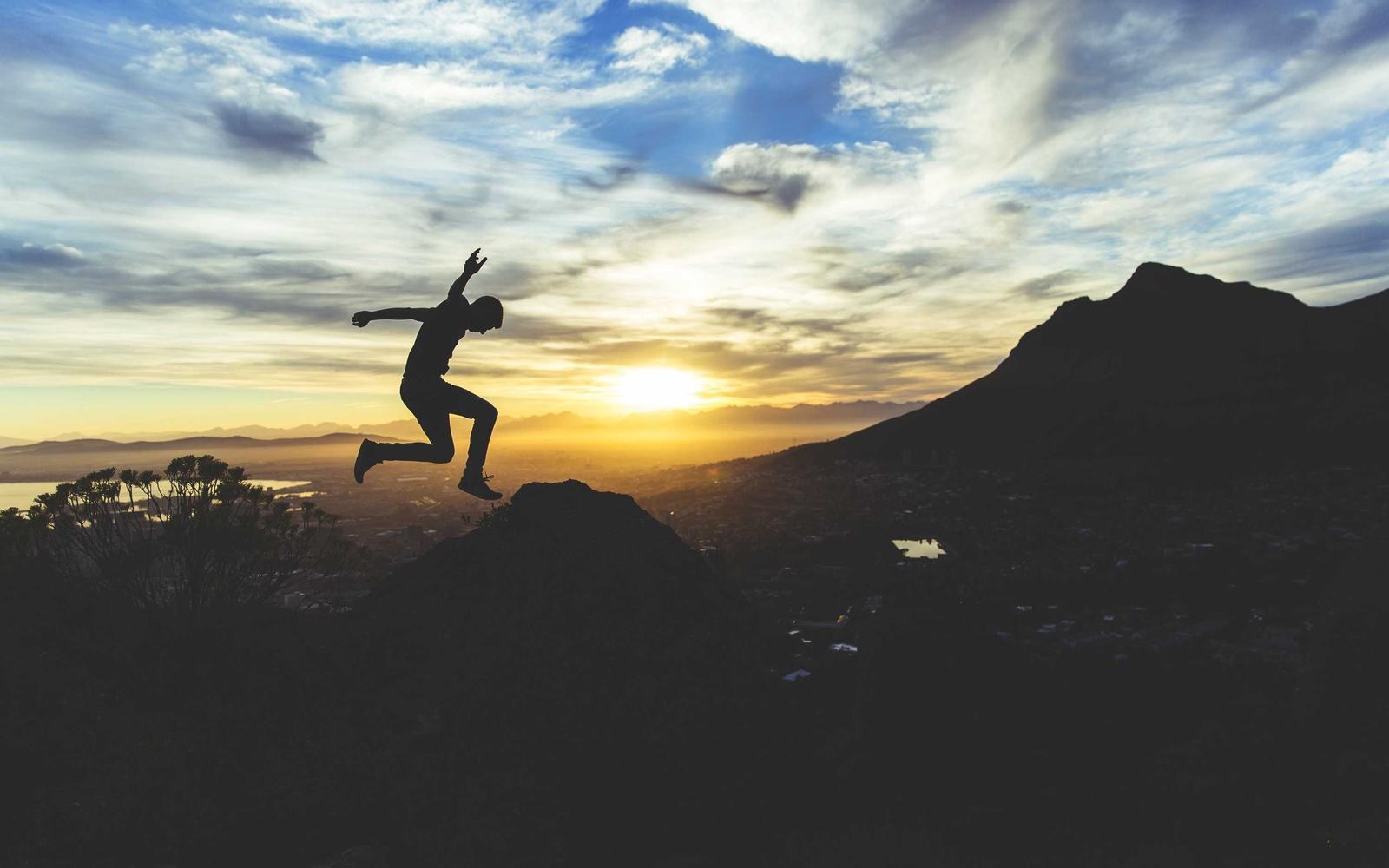
Illustrative comparison. Results vary with the source image and selected tools.
Use Auto mode to let PhotoBoost decide when a scene needs low-light processing, or turn it on explicitly for a dark source.
Combine lighting correction with face enhancement, restoration and upscaling when darkness has hidden important detail.
Adjust brightness, contrast, highlights, temperature, tint, vibrance and saturation after the AI result is ready.
How it works
Choose an underexposed, backlit or low-light image from your device.
PhotoBoost processes the scene and recovers a more balanced base image.
Adjust exposure and color controls while comparing with the original, then export.
Improve people photos taken in dim rooms or uneven household lighting.
Recover more visible scene detail without turning night into artificial daylight.
Lift a dark foreground and refine contrast when the background is much brighter.
Combine light recovery with restoration and face enhancement for noisy, soft images.
Auto lets PhotoBoost decide whether the scene needs low-light processing. On explicitly applies the low-light path when you know the image is underexposed.
Lifting shadows can make existing sensor noise more visible. PhotoBoost enhancement rebuilds the image before you make final tone adjustments, but very dark sources may still show limitations.
Yes. The editor includes brightness, contrast, highlights, saturation, vibrance, temperature, tint, vignette, grain and fade controls.
No. You preview edits in a project and export a separate result, so the source file remains unchanged.
Upload one image, compare the result and keep your original untouched.
Enhance My Photo Free